


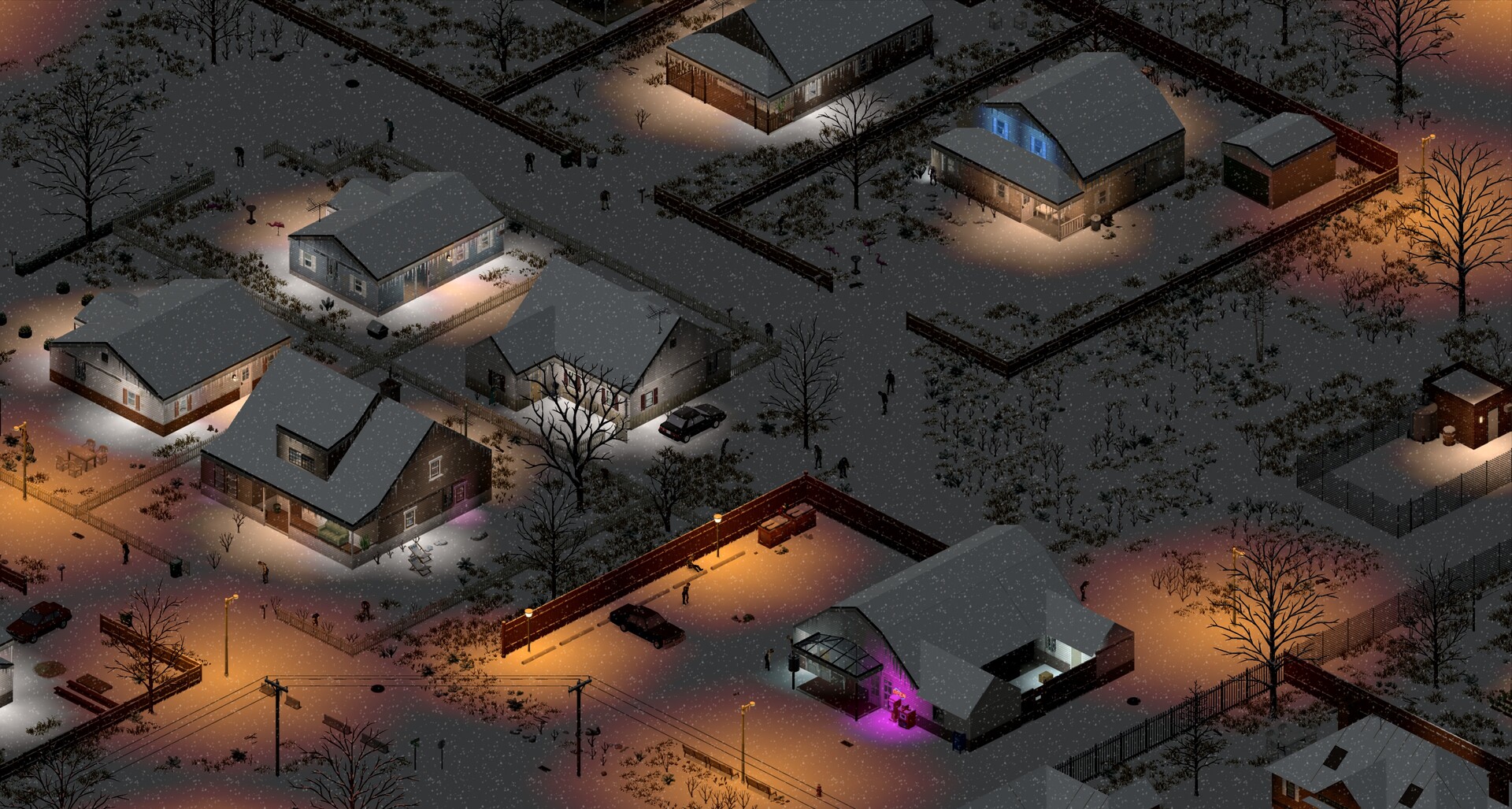
Project Zomboid VPS
Keep your group's survival world on its own VPS, with automatic setup and owner-scoped power controls.
Choose your VPS size
Prices and order links come from the live secure billing catalogue.
Server preparation follows confirmed payment. Private access details are shown after installation and game-health checks. Keep copies of your saves before changing the server.
Checking live plans and prices...
Automatic server setup
Review the chosen plan and its configuration before ordering. Keep copies of your saves before changes.
Saved-world retention
Review the chosen plan and its configuration before ordering. Keep copies of your saves before changes.
Multiple VPS sizes
Review the chosen plan and its configuration before ordering. Keep copies of your saves before changes.
Your server questions
Choose the right service and know what is included.
Is this a game server or a gaming PC?
The VPS hosts a multiplayer server environment. Players use their own compatible game clients on their own devices. This is not a cloud gaming desktop or a game-client license.
Will the game be ready automatically?
This offer has an automatic server setup path. Billing shows installation progress and releases access after game-health checks.
Which VPS size should I choose?
Allow room for your player activity, world, saves and any compatible modifications. More RAM does not guarantee a fixed player count or particular frame rate. The current plans list the resources you are buying.
Where are passwords and server keys entered?
Use your service owner account for private connection details. Keep passwords, private keys and publisher account credentials out of chat and tickets.
Independent hosting. Project Zomboid artwork and trademarks belong to their respective owners. No endorsement or official partnership is implied. Publisher / project reference.